The access points are mounted, the brand on the box is the one your consultant recommended, and the conference room still drops video calls every morning at ten. It happens more often than vendors admit, and it is rarely the hardware's fault.
We have been designing and installing business networks across Los Angeles for more than 17 years, and one pattern keeps repeating: the platform you pick sets your yearly costs, how many hours your team spends managing Wi-Fi, and how the network behaves when the whole office shows up on a Monday.
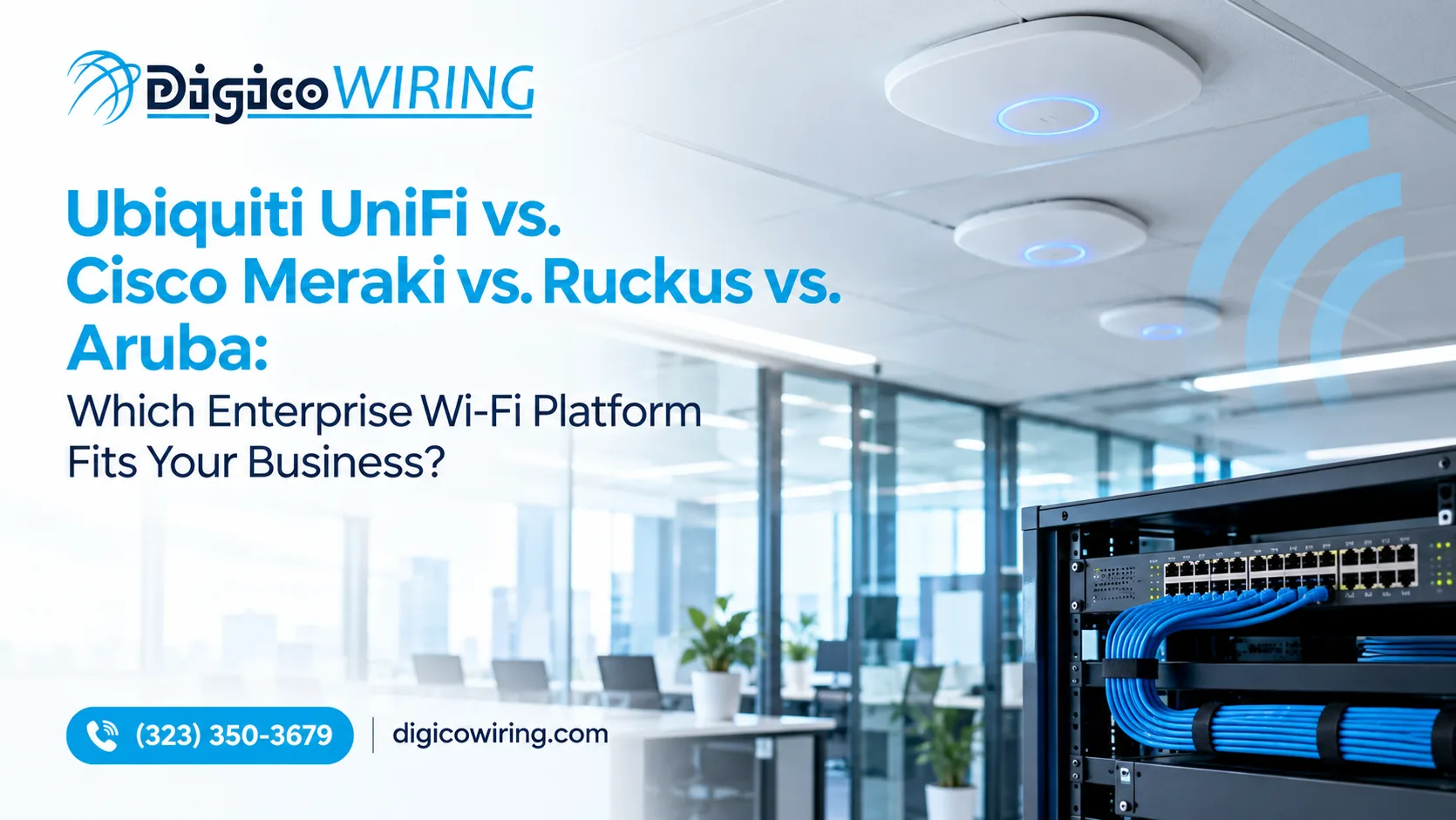
This guide compares the four enterprise Wi-Fi platforms we install most often (Ubiquiti UniFi, Cisco Meraki, Ruckus and Aruba) and flags the traps that rarely make it into spec sheets: license expiry rules, PoE requirements and cabling limits.
Want a second opinion on your own space? Our Wi-Fi design and installation service starts with a free on-site walkthrough.
The Short Answer: Choose by Who Runs the Network
Choose by who will manage the network and what you must protect, not by the speed number printed on the box.
|
Platform |
Best for |
Licensing and management |
Biggest strength |
Main trade-off |
|
Ubiquiti UniFi |
Small to mid-size offices, retail, budget-minded teams with some IT skill |
Controller-based; no per-AP software subscription in typical setups |
Strong value, one management interface |
Less formal support and policy tooling |
|
Cisco Meraki |
Multi-site businesses with little or no in-house IT |
Cloud-managed; a valid license is required for devices to operate |
Simple, centralized management |
Recurring license cost |
|
Ruckus |
Dense or tricky RF environments: warehouses, hotels, schools, venues |
RUCKUS One, SmartZone, Unleashed or standalone |
Adaptive antennas for coverage and interference |
Fewer plug-and-play extras for very small teams |
|
Aruba (HPE) |
Healthcare, finance, regulated environments, larger campuses |
Aruba Central subscription |
Security hardware and policy depth |
Higher cost and setup complexity |
No platform wins everywhere, so the reasoning below matters more than the table.
What "Enterprise-Grade" Wi-Fi Actually Means
A consumer router covers a house. Enterprise wireless keeps hundreds of devices connected, segmented and secure while people walk between rooms. This is the checklist we run on every project:
-
Client density: how many devices can connect before everyone slows down.
-
Roaming: whether a video call survives the walk from the lobby to the back office.
-
Segmentation: separate networks (VLANs) for staff, guests, point-of-sale, cameras and IoT.
-
Authentication and security: WPA3, RADIUS support and device-level protections.
-
Central management: one dashboard instead of configuring each access point by hand.
-
Support and lifecycle: firmware updates, warranty and who answers the phone.
Analyst rankings can help narrow a shortlist, but a dot on a chart cannot tell you what suits a 6,000-square-foot office in Beverly Hills. That takes a site survey.
The Four Platforms, Honestly
Ubiquiti UniFi: Strong Value, More Hands-On
UniFi built its following in small business and prosumer networks, and it keeps moving up-market. One of its current Wi-Fi 7 enterprise models, the E7, pairs Wi-Fi 7 with a 10GbE uplink. StorageReview's hands-on test listed it at $499, with the directional E7-Campus at $799.
Where it shines: offices, retail stores, restaurants and small clinics where budget matters and someone is comfortable managing a controller.
Watch out for power. The same review notes that both models require PoE++ (802.3bt), so you need compatible switches or injectors. That is a switch and cabling decision, not just an access point decision. UniFi also offers less of the formal support and policy tooling that larger or regulated organizations tend to expect.
Best fit: cost-conscious businesses that want enterprise features without a software subscription and have capable IT or a trusted installer.
Cisco Meraki: Cloud Simplicity at a Recurring Cost
Meraki sells simplicity: cloud management, fast site turn-up and one dashboard for many locations. For franchises, multi-location clinics and property managers, that is a real advantage.
The catch is licensing, and it has a twist. Cisco's documentation states that all current Meraki products require valid licensing to operate. Under the co-termination model, every license in an organization shares one expiration date, and that date is a weighted average. Cisco's own example mixes one five-year license with two one-year licenses across three access points and lands on 851 days for all three, far short of the five years you might assume for the first. After the date passes, a 30-day grace period begins.
Two practical notes from the field: put the renewal date on your calendar the day you install, and ask your partner which licensing model your organization is on, because Meraki also offers subscription-based licensing and the renewal mechanics differ.
Best fit: distributed businesses and teams without dedicated IT that value fast deployment and easy remote management over the lowest long-term cost.
Ruckus: Radio Performance in Difficult Environments
Most access points broadcast like a bare light bulb. Ruckus aims like a flashlight. Its BeamFlex+ adaptive antennas steer signal toward individual client devices instead of spreading it evenly in every direction, which helps in spaces full of walls, metal racking or competing signals (see the R770 data sheet for the engineering detail).
The flagship R770 Wi-Fi 7 access point applies BeamFlex+ on all three bands and supports flexible management: RUCKUS One, SmartZone, Unleashed or standalone. A small site can skip the heavy controller while a larger one scales up.
Where it shines: warehouses with scanners and handhelds, hotels, schools, restaurants and event spaces, anywhere the building fights the signal.
Watch out for: power requirements and management options. The RUCKUS R770 is designed to deliver its full feature set with 802.3bt PoE++. With 802.3at PoE+, certain capabilities may be unavailable, including the 1GbE port, USB and IoT radio, and the unit's available power may be reduced. Check the current R770 data sheet and your switch's PoE capabilities before ordering. Also confirm support arrangements and your preferred management option.
Best fit: dense or physically challenging sites where coverage quality comes first.
Aruba (HPE): Security and Policy Depth
Aruba is what we reach for when the real question is, "What will the auditor ask?" According to HPE's product page, the 730 Series includes a TPM for secure storage of credentials, keys and boot code, plus a MACsec-capable 5GbE port that extends wired Ethernet protection to the access point. It also supports dynamic segmentation, so policies follow the user or device instead of living in static VLAN and ACL lists, and it carries a limited lifetime warranty.
Management is subscription-based through Aruba Central, so budget for it from day one.
Where it shines: medical offices, financial firms, larger campuses and any business that needs strict segmentation and audit-friendly controls.
Watch out for: more moving parts. Aruba rewards careful design and a team, or an installer, who knows the platform.
Best fit: regulated or security-sensitive organizations and larger campuses.
Head-to-Head: The Matchups Clients Ask About Most
UniFi vs. Meraki: Ownership Cost vs. Managed Simplicity
This decision usually comes down to who runs the network.
|
UniFi |
Meraki |
|
|
Software licensing |
No required subscription |
License required to operate |
|
Management |
Controller (self-hosted or Ubiquiti-hosted) |
Cloud dashboard |
|
Multi-site fit |
Good, with some setup |
Excellent |
|
Typical IT need |
Some in-house or partner skill |
Minimal |
Our take: with one or two locations and someone who can handle a controller, UniFi often wins on five-year cost. With many sites and no IT staff, Meraki's simplicity can be worth the license.
Aruba vs. UniFi: When Do You Need Policy-Grade Security?
This one is really about risk. UniFi covers VLANs, guest networks and modern authentication well for most small and mid-size businesses. Aruba goes further with hardware-level protections such as TPM and MACsec, plus deeper policy and segmentation tooling, which matters when you handle patient records or payment card data.
Our take: if an auditor will ever read your network diagram, look hard at Aruba. If not, UniFi usually delivers more per dollar.
Meraki vs. Ruckus: Cloud Management vs. RF Engineering
Here you are choosing between management experience and radio design. Meraki makes administration easy. Ruckus focuses on how the signal behaves in the room, which pays off in dense or awkward buildings.
Our take: for a warehouse or hotel with coverage headaches, start with Ruckus. For a chain of similar storefronts managed remotely, start with Meraki.
Total Cost of Ownership: Hardware, Licenses and Cabling
The sticker price of an access point is a poor guide to what you will spend. Over five years, add up:
-
Access points and controllers or gateways
-
Licenses and subscriptions: Cisco Meraki requires valid licensing for its devices to operate, Aruba Central uses subscription-based management, and typical UniFi setups do not require a per-access-point software subscription. RUCKUS licensing and management costs depend on the platform and deployment model.
-
Switches with enough PoE budget for the access points you choose
-
Cabling and installation labor
-
Growth: extra access points as headcount rises
Cabling is the line item people forget. Wi-Fi 7 access points can call for multi-gigabit links and higher PoE classes, so old Cat5e runs may become the bottleneck. Our guide to network cabling costs in Los Angeles explains what drives the price, and our comparison of fiber optic vs. Ethernet helps you plan the backbone. If you are upgrading, professional data wiring is often the smartest first step.
Why Installation Quality Matters More Than the Brand
Here is what we tell clients on almost every walkthrough: a mid-range platform installed well will outperform a premium platform installed badly. A proper commercial wireless project includes:
-
A site survey before you buy. Walls, glass, elevators and neighboring networks all change how signal travels. Measuring beats guessing.
-
Deliberate access point placement. More access points is not automatically better. Without channel and power planning, extra radios create interference instead of coverage.
-
A PoE budget that adds up. Total switch power has to cover every access point, camera and phone on the same switch.
-
Tested, labeled cabling. Every run certified and documented, so troubleshooting takes minutes instead of days.
-
Handover documentation. As-built records and a clear network map for your IT team.
Our technicians design around your floor plan, device count and growth plans, then install, test and document everything. See recent projects or explore our low voltage wiring and cabling services, which cover the whole infrastructure under one license.
Which Platform Fits Your Business?
-
Small office (up to about 50 people): UniFi is usually the best value. Read our guide to a future-proof office network.
-
Medical or dental practice: Aruba deserves serious consideration for its security features. See our notes on low voltage wiring for medical offices.
-
Warehouse or industrial site: Ruckus is a strong candidate where coverage is hard. Our warehouse wiring and lighting guide covers related facility infrastructure.
-
Property manager with several buildings: Meraki's cloud management simplifies oversight. See low voltage wiring for multi-tenant buildings.
-
Restaurant, hotel or retail: UniFi or Ruckus, depending on layout and density.
Whichever way you lean, the network is only as good as the survey, cabling and configuration behind it.
Ready to Plan Your Wireless Network?
Choosing between UniFi, Meraki, Ruckus and Aruba gets much easier once someone has walked your space and counted the devices. DigiCo Wiring installs all four platforms across Greater Los Angeles, and every project starts with a free on-site walkthrough and a written quote. Get a free quote or call us. We serve 39 areas across Los Angeles, from Santa Monica to Pasadena.
FAQ
Is UniFi good enough for enterprise use?
For many small and mid-size businesses, yes. It offers VLANs, guest networks and centralized management without a required software subscription. Larger or regulated organizations may prefer platforms with deeper policy tooling and formal support, such as Aruba.
Does Meraki stop working if the license expires?
Meraki devices require valid licensing to operate. Under the co-termination model, Cisco documents a 30-day grace period after the expiration date. If the license is not renewed before the grace period ends, the organization can be shut down and its Meraki devices can stop providing network connectivity. Renew on time and confirm your organization's current licensing terms with your Meraki partner.
Are Ruckus access points a good choice for dense environments?
Yes. BeamFlex+ adaptive antennas are the reason Ruckus is widely chosen for dense or physically difficult spaces. Confirm the current model lineup and management option before purchasing.
Do I need Wi-Fi 7 right now?
Not always. Wi-Fi 7 makes the most sense if you plan to keep the network for five or more years, have many users or run latency-sensitive applications. It can raise PoE and cabling requirements, so plan the wired side first.
How long does a commercial Wi-Fi installation take?
It depends on building size and complexity. Most projects are completed within a few days after the survey and planning stage, and we confirm the timeline in your written quote.