Most cabling regrets follow the same pattern. The cable worked fine on day one. By year five, it was the bottleneck nobody wanted to open the ceiling for.
If you're building out a new office, expanding a warehouse, or finally fixing a network that crawls whenever the team hops on video calls, the fiber optic vs Ethernet question deserves a careful answer. When it comes to business network cabling, the cable itself is the one part that disappears into walls and risers. You can swap a switch in an afternoon, but re-pulling cable means disruption, downtime, and a much larger invoice.
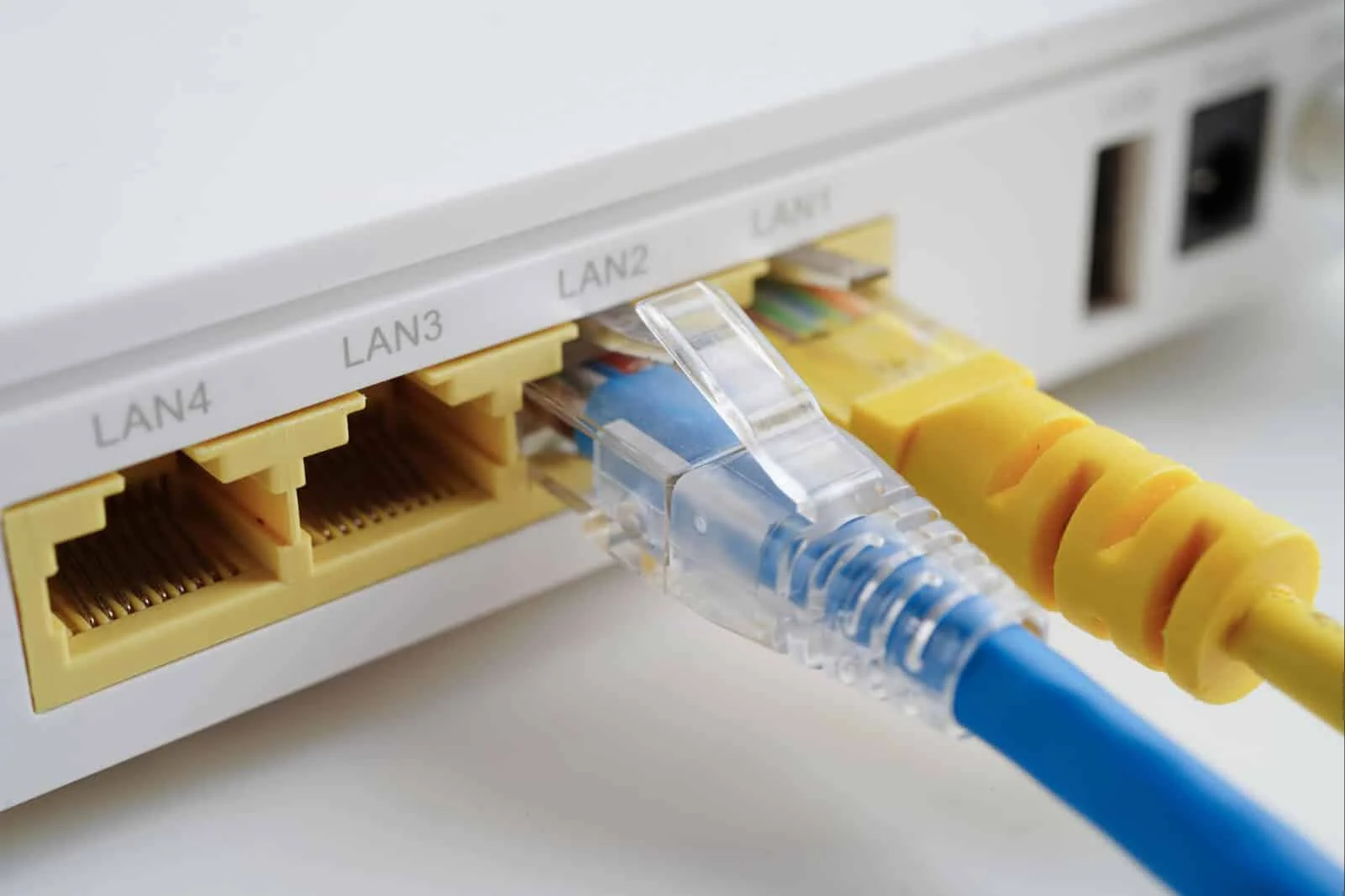
Here, "Ethernet" means copper twisted-pair cabling, mainly Cat6 and Cat6a. Below we compare it with fiber on speed, distance, reliability, and cost, and then show you how to choose.
The short answer: Cat6 or Cat6a is the right call for most desk-level connections under 100 meters, especially when devices need Power over Ethernet (PoE). Fiber is the right call for backbones, long runs, electrically noisy spaces, and networks you expect to outgrow. For most growing businesses, the smartest design is a hybrid: Cat6a to the workstations and fiber between floors and buildings.
Fiber Optic vs Ethernet Cable: What's Actually Different
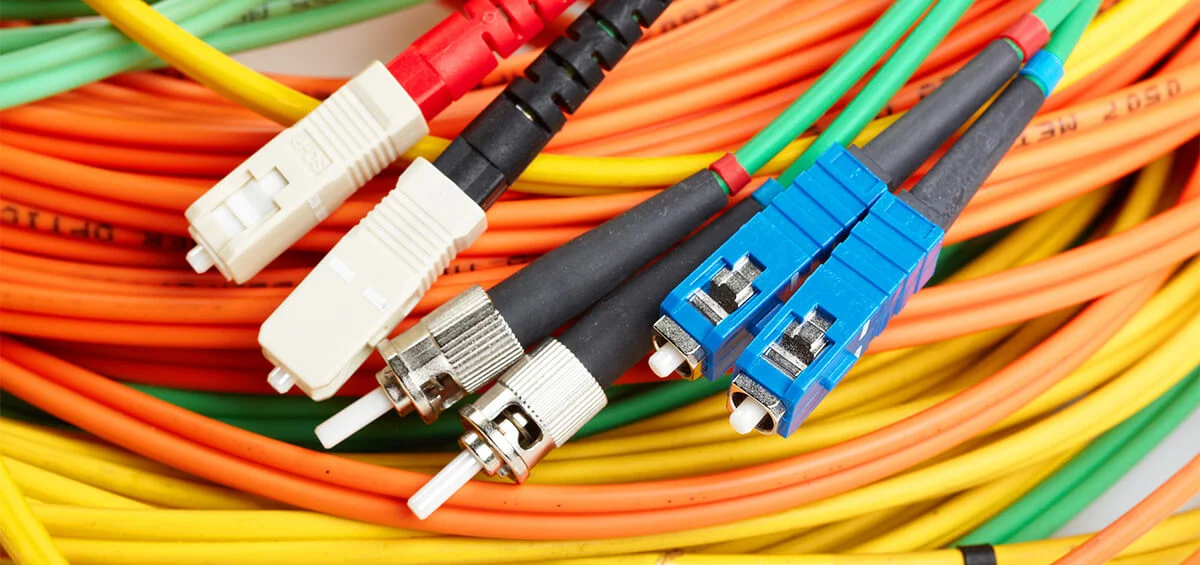
The core difference in fiber optic vs Ethernet cable is what carries your data. Ethernet moves electrical signals over copper. Fiber moves pulses of light through glass strands about as thin as a human hair. That one distinction explains almost everything else in the table below.
|
Ethernet (Cat6 / Cat6a) |
Fiber Optic |
|
|
Medium |
Copper twisted pair |
Glass (multimode or single-mode) |
|
Typical speeds |
1G to 10G |
10G to 100G and beyond |
|
Max channel length |
100 m (328 ft) |
~100–550 m (multimode); kilometers (single-mode) |
|
Electromagnetic interference |
Susceptible |
Immune |
|
PoE support |
Yes |
No |
|
Best for |
Desks, Wi-Fi access points, cameras, phones |
Backbones, long runs, high-traffic links |
Fiber Optic Speed vs Ethernet Speed
What Ethernet Delivers
Ethernet speed depends on the cable category. Cat5e and Cat6 handle gigabit connections easily. Cat6 can technically carry 10 Gbps, but only up to roughly 55 meters, while Cat6a holds 10 Gbps across the full 100-meter channel. That's why Cat6a is the standard we recommend for new commercial installs.
Gigabit or 2.5G to the desk covers email, cloud apps, VoIP, and video conferencing for most employees.
What Fiber Delivers
Fiber optic speed is where the technology stretches out. Multimode fiber (OM3, OM4, OM5) commonly supports 10, 40, and 100 Gbps links, and single-mode fiber (OS2) handles 100G and beyond over much greater distances.
Here's the part many guides skip: the glass is rarely the limiting factor. The equipment on each end is. A well-installed single-mode run can often move from 1G to 10G, 25G, or 100G just by swapping transceivers, with no re-pulling. In other words, you pay for the cable once and upgrade the electronics as needs grow.
Where the Gap Actually Matters
On paper, the fiber optic vs Ethernet speed gap is enormous. In daily use, it only matters where traffic piles up. A front-desk workstation rarely needs more than a gigabit. But the link between your server room and the switch on the third floor carries traffic from dozens of people at once, plus storage, backups, and security camera footage.
That's why most well-designed networks use copper where people connect and fiber where traffic aggregates.
Distance: How Far Can Each Cable Run?
Ethernet Cable Maximum Distance
The Ethernet cable maximum distance is 100 meters (328 feet) per channel under the TIA-568 standard, patch cords included. Go past that, and signals degrade: dropped packets, slow speeds, flaky links. You can extend a run with an intermediate switch or PoE extender, or convert it to fiber with a pair of media converters, but that adds another powered device to maintain. This Monoprice guide to Cat6 distance limits explains how the limit applies to Cat6 versus Cat6a.
Fiber Optic Cable Distance
Fiber optic cable distance depends on the fiber type. Multimode, with its wider core, generally reaches about 100 to 550 meters depending on grade and speed (OM4 supports 10G up to roughly 400 meters). Single-mode, with its narrow core and laser source, reaches kilometers.
A simple rule of thumb:
-
Multimode fits links inside a building or between close neighbors.
-
Single-mode fits campuses, long warehouse spans, and anything you want to keep upgrading for decades.
The Fiber Optic Association publishes supportable distances by fiber type, a handy reference when you're planning a longer run.
Reliability, Security, and the PoE Catch
Copper is dependable until it meets a hostile environment. Motors, elevators, ballasts, welders, and heavy electrical panels all generate electromagnetic interference. Fiber carries light, so none of that touches it. The Fiber Optic Association also notes that fiber is immune to electromagnetic interference, doesn't corrode like copper, and resists tapping. For a manufacturing floor or a building packed with electrical gear, that can settle the debate on its own.
Now the honest trade-off: fiber doesn't carry power. If you're connecting IP cameras, wireless access points, or VoIP phones, copper (Cat6/Cat6a) delivers data and power through a single cable. It's a real advantage, and it's the reason copper isn't going away anytime soon.
When Cat6 or Cat6a Is Enough
Copper is usually the right fit when:
-
Every run stays under 100 meters
-
You need PoE for cameras, phones, or access points
-
Your team works mostly in cloud apps, email, and video calls
-
You're wiring a standard office, clinic, retail space, or restaurant
For a typical office of 10 to 50 people, certified Cat6a to each workstation and access point is often all it takes.
Fiber Optic vs Cat6 at the Desk
When we weigh fiber optic vs Cat6 for the final connection to a workstation, copper usually wins on practicality. Most desktops, docking stations, switches, and PoE devices are built for it, and running glass to every desk adds cost without adding value. Fiber to the desk makes sense only in unusual cases, like high-security rooms or extreme interference.
When Fiber Optic Cabling Makes Sense
Start seriously considering fiber when any of these apply:
-
Runs exceed 100 meters or connect separate buildings
-
You need a backbone linking floors, closets, and server rooms
-
Electrical interference is a recurring problem
-
Your network carries heavy loads: servers, storage, virtualization, or video surveillance
-
You expect to move to 25G, 40G, or 100G in the next decade
If two or more of these apply, it's time for a fiber conversation.
Multi-Floor Offices, Warehouses, and Large Commercial Buildings
Multi-floor offices. A fiber riser from the main equipment room to each floor's closet is standard practice. On each floor, Cat6a handles desks and Wi-Fi. This keeps the high-capacity links on glass and the user-facing links on copper, and it means a future speed upgrade touches switches, not walls.
Warehouses and distribution centers. Long distances, heavy machinery, and scattered devices make warehouses a natural fit for fiber. Glass carries data across the building without interference, while short copper runs connect scanners, cameras, and access points at the edge.
Large commercial buildings and campuses. When you're linking multiple buildings, a single-mode backbone gives you reach today and room to scale later. Pulling extra strands during the initial install costs little, while adding them later costs a lot.
If you're planning a project like this, our team provides professional fiber optic cabling and installation for commercial properties across the Los Angeles area, from design through termination and testing.
What It Costs: Ethernet vs Fiber
Ethernet Installation Cost
Ethernet installation cost is driven by a few things: the number of drops, run length, how hard the pathway is (open ceiling versus finished walls or conduit), plenum-rated cable requirements, patch panels, and certification testing. For large numbers of end-user connections, copper is typically the economical choice, and the switches and patch cords that go with it cost less too.
Fiber Optic Installation Cost
Fiber optic installation cost covers the cable, termination or splicing,test equipment such as OLTS and, for longer runs, OTDR, and the transceivers and switches that light the link. The material gap between fiber and Cat6a has narrowed in recent years, so the difference often comes down to specialized labor and optics rather than the cable itself.
The Cost That Doesn't Show Up on the Quote
The cheapest bid isn't always the cheapest network. Consider what hides behind the price:
-
Re-cabling: a cable that can't support tomorrow's speeds gets paid for twice.
-
Downtime: interference or distance problems cost you productivity every day.
-
Growth: fiber's upgrade-by-transceiver path often lowers the long-term cost of scaling.
A planned hybrid design usually offers the best value, with copper where it's cost-effective and fiber where it counts.
How to Choose for Your Building
Here's the process we walk clients through:
-
Map your distances. Measure every run, including vertical risers and building-to-building spans.
-
Estimate traffic. Count users, servers, cameras, and cloud usage, then add room for growth.
-
Check the environment. Look for electrical noise, heat, moisture, and dust.
-
List your PoE devices. Anything that needs power over the cable points toward copper.
-
Set your time horizon. Are you building for five years or twenty?
-
Pick a certified installer. Tested, documented work and a solid warranty are worth more than a low bid.
For most commercial properties, these answers land on the same design: fiber backbone between closets, floors, and buildings, with Cat6a on the horizontal runs. You get speed and reach where traffic concentrates, and PoE and cost efficiency where devices connect.
The Right Cabling Is the One Your Business Won't Outgrow
There's no universal winner in the fiber optic vs Ethernet debate, only the right fit for each part of your building. Ethernet gives you affordable, PoE-ready connections at the desk. Fiber gives you speed, distance, and headroom where your network is busiest. Together they make cabling that serves you today and doesn't get torn out in five years.
After 17 years in low-voltage cabling, we've seen what happens when the cable choice is rushed, and what it looks like when it's planned well. If you're building, renovating, or upgrading, DIGICO can walk your space, review your needs, and recommend the right mix for your budget. Reach out for a consultation.
FAQ
Is fiber optic faster than Ethernet?
Fiber supports higher speeds (10G up to 100G and beyond) and holds them over far longer distances. Cat6a handles 10G across 100 meters, which is plenty for most workstations.
Can I use Cat6 instead of fiber?
For short runs under 100 meters with moderate traffic, yes. For backbones, long distances, or noisy environments, fiber is the safer choice.
How far can Ethernet run before I need fiber?
The limit is 100 meters (328 feet) per channel. Beyond that, you need fiber or additional network equipment.
Is fiber worth it for a small business?
Often yes, if you have a server room, multiple floors or buildings, or growth plans. For a single small office with short runs, Cat6a may be all you need.
Can fiber and Ethernet work together?
Yes, and it's the most common setup. Fiber carries the backbone, Ethernet connects end devices, and switches or media converters bridge the two.