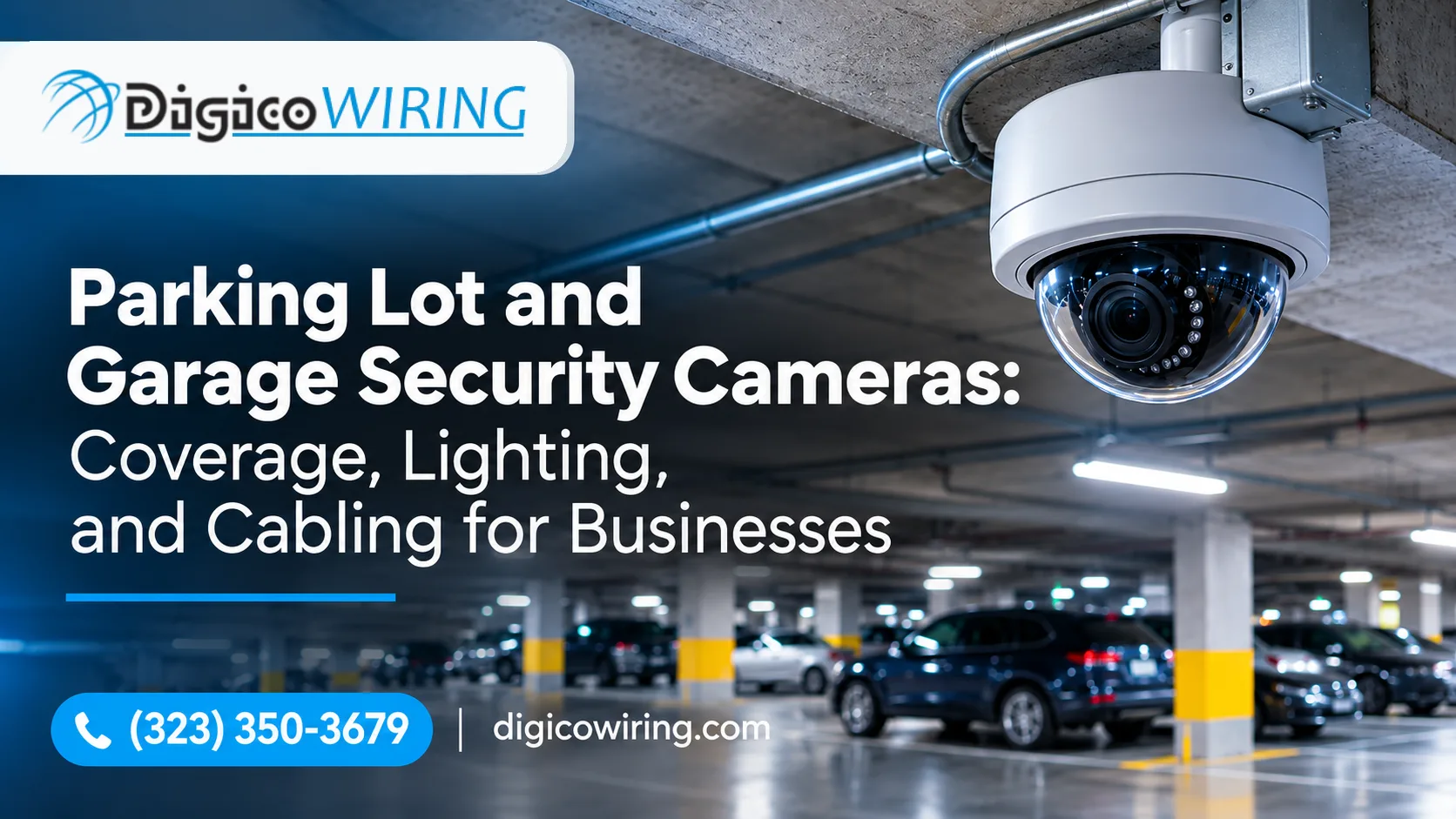
A parking lot security camera system should do more than record activity. It should help you identify vehicles, follow incidents, monitor entrances, and retrieve useful footage when something goes wrong.
But even high-resolution cameras can produce disappointing results when they are poorly positioned, aimed into headlights, or connected with unreliable cabling. The same is true of parking garages, where concrete columns, ramps, changing light levels, and tight mounting locations create additional challenges.
After more than 17 years working on low-voltage installations across Los Angeles, we've learned that reliable parking lot video surveillance depends on three things: camera coverage, lighting, and network infrastructure. Each needs to be planned around the property and the incidents you want to document.
This guide explains how to approach all three, what equipment to consider, and when professional installation makes a measurable difference.
What Makes a Parking Lot Security Camera System Effective?
Before choosing cameras, define what your business needs to see. A system designed to monitor general activity will look different from one that must capture license plates or identify people at a gate.
A well-designed system should account for:
-
Coverage: Entrances, exits, drive aisles, pedestrian routes, payment stations, and perimeter areas.
-
Image quality: Enough detail to distinguish people, vehicles, and relevant activity at the required distance.
-
Night performance: Consistent footage despite low light, glare, shadows, and headlights.
-
Reliable connectivity: Properly designed Power over Ethernet (PoE) or fiber cabling, protected outdoor pathways, and stable power.
-
Recording and retention: Enough storage to keep footage for the period your business requires.
The goal is not to install the largest possible number of cameras. It is to make sure each camera has a clear purpose and captures the detail needed in its assigned area.
Define What Your Cameras Need to Capture
Security professionals often use the DORI model to describe four levels of video detail:
-
Detection: Confirm that a person or vehicle is present.
-
Observation: See activity and distinguish general characteristics, such as clothing or vehicle type.
-
Recognition: Determine whether a person is someone you have seen before.
-
Identification: Capture enough facial detail to identify an individual.
The pixel-density guidance associated with IEC 62676-4:2014 uses approximately 250 pixels per meter (about 76 pixels per foot) as a reference for identification. This is a planning guideline, not a guarantee. Lens quality, camera angle, lighting, motion, compression, and viewing conditions all affect the final image.
The standard was updated in 2025, so system designers should also consider the revised operational categories and the requirements of the specific surveillance application.
For a practical example, imagine a 4K camera with approximately 3,840 horizontal pixels:
-
If the camera covers a 50-foot-wide scene, it provides about 77 pixels per foot across that width.
-
If the same camera covers a 130-foot-wide scene, the density drops to about 30 pixels per foot.
The wider view may be useful for monitoring vehicle movement, but it is unlikely to provide the same level of identifying detail.
This is why camera resolution alone does not determine performance. The lens and field of view must match the distance and the purpose of the camera.
For technical background, see Axis Communications' guide to pixel density and IEC 62676-4.
License Plate Camera Placement: Why It Needs a Separate Plan
One common mistake is expecting a general-purpose overview camera to capture readable license plates. These are two different surveillance tasks.
An overview camera records the broader scene: which vehicle entered, where it went, and when it left. A license plate capture camera is positioned and configured specifically to produce readable plate images.
When planning license plate camera placement, consider:
-
Camera angle: Aim as close to the direction of vehicle travel as practical. Axis recommends keeping the total angle below 30 degrees for its license plate capture guidance.
-
Capture distance: The camera must have enough time and image detail to capture a moving vehicle.
-
Shutter speed: A fast shutter helps prevent motion blur, especially when vehicles move across the frame.
-
Infrared illumination: Proper IR lighting can help capture reflective plates at night without relying on visible floodlights.
-
Field of view: Frame the intended lane or lanes rather than trying to cover the entire entrance with one plate camera.
Avoid mounting a plate camera too high or too far to the side. A steep viewing angle can make characters difficult to read, even when the camera has a high megapixel rating.
For more detail, consult Axis Communications' technical white paper, License Plate Capture.
Practical recommendation: Use dedicated license plate cameras at vehicle entrances and exits, supported by overview cameras that record the surrounding activity. This gives your team both the close-up evidence and the broader context.
Plan Parking Lot Security Camera Placement
Good camera placement starts with the routes people and vehicles actually use. Identify the main entrances, exits, pedestrian paths, and areas where incidents are most likely to occur. Then work outward to the less active parts of the property.
The following table is a useful starting point for commercial parking lot camera placement.
|
Location |
What to capture |
Recommended approach |
|
Vehicle entrances and exits |
License plates, vehicle details, entry and exit activity |
Dedicated plate camera plus overview camera |
|
Drive aisles |
Vehicle movement, pedestrians, incidents |
Fixed cameras with overlapping views |
|
Building entrances |
Faces and approach paths |
Face-level views with suitable WDR (wide dynamic range) |
|
Stairwells and elevator lobbies |
Faces, movement, loitering |
Vandal-resistant cameras with appropriate coverage |
|
Payment stations and gates |
Transactions, disputes, vehicle access |
Close-range cameras with adequate lighting |
|
Perimeter and service areas |
After-hours activity and unauthorized access |
Wide-angle or multi-sensor cameras |
How High Should Parking Lot Cameras Be Mounted?
Mounting height affects both coverage and image detail. Cameras installed too low may be vulnerable to tampering or obstruction. Cameras installed too high may capture mostly the tops of people's heads, making identification difficult.
There is no single mounting height that works for every parking lot. The right position depends on the camera's lens, viewing angle, target distance, and the type of evidence required.
During a site survey, check for:
-
Trees, signs, poles, and parked vehicles that block the view.
-
Sunlight at different times of day.
-
Headlight glare near entrances and exits.
-
Areas hidden behind walls, columns, or landscaping.
-
Gaps between neighboring camera views.
Overlapping fields of view help prevent vehicles and pedestrians from disappearing between cameras.
Fixed, PTZ, or Multi-Sensor Cameras?
Each camera type has a different role:
Fixed cameras continuously monitor a specific area. They are a dependable choice for entrances, walkways, and drive aisles where consistent recording matters.
PTZ cameras can pan, tilt, and zoom to follow activity. They are useful for monitoring large areas, but they only capture what they are currently pointed toward. A PTZ camera should complement fixed cameras rather than replace them.
Multi-sensor cameras combine multiple viewing directions in one housing. They can cover broad areas from a single mounting point and may reduce the number of poles or cable runs required.
For most businesses, a combination of fixed cameras and carefully selected specialty cameras provides more consistent coverage than relying on one camera type throughout the property.
Parking Garage Security Cameras: Columns, Ramps, and Headlights
Parking garage security cameras require a different approach from cameras installed in open lots. The structure itself creates obstacles that can block views and affect image quality.
Pay particular attention to:
-
Concrete columns: These can create blind spots behind parking spaces and along drive aisles.
-
Ramps: Vehicles change direction and elevation, so cameras need to cover both approaching and departing traffic.
-
Entrances: Drivers move quickly between bright outdoor conditions and dim interiors.
-
Elevator lobbies and stairwells: These areas often need closer views of faces and pedestrian activity.
-
Low ceilings: Mounting options may be limited, and cameras can be exposed to accidental damage.
Use WDR to Handle Changing Light
Wide Dynamic Range (WDR) helps cameras handle scenes with very bright and very dark areas at the same time. It is particularly useful at garage entrances, where sunlight or headlights can overwhelm a standard camera's exposure.
However, WDR is not a substitute for proper placement. A camera pointed directly into a strong light source may still produce poor footage. Adjusting the angle and testing the image under real operating conditions are essential.
Protect Cameras in High-Traffic Areas
In garages, cameras may be exposed to dust, moisture, vibration, and accidental impact. Choose housings appropriate for the environment and verify the manufacturer's IP and IK ratings.
For example, IP66 indicates a specified level of protection against dust and powerful water jets, while IK10 indicates a high level of impact resistance. These ratings describe enclosure protection, not image quality or overall system reliability.
A professional installer should also consider mounting hardware, cable protection, service access, and the risk of damage from vehicles or maintenance equipment.
Fix the Lighting Before Adding More Cameras
A camera cannot record detail that the scene does not provide. Poor lighting can cause grainy images, motion blur, and dark areas where people or vehicles become difficult to distinguish.
Before purchasing additional cameras, review the existing lighting across the entire parking area.
The Illuminating Engineering Society's parking-lighting recommendations, summarized in an ASIS International article, provide useful reference values:
|
Lighting consideration |
Basic parking |
Enhanced security |
|
Minimum horizontal illuminance |
0.2 foot-candles |
0.5 foot-candles |
|
Minimum vertical illuminance |
0.1 foot-candles |
0.25 foot-candles |
|
Maximum uniformity ratio |
20:1 |
15:1 |
These figures are design references, not universal legal requirements. Applicable building codes and local ordinances may differ, and lighting design should be checked against the standards currently adopted for the property.
Horizontal illumination measures light on the ground. Vertical illumination measures light on surfaces such as walls and people. Both matter for surveillance: a parking lot may look bright from above while faces remain poorly lit.
For additional context, see the ASIS article Lighting Standards for Parking Facilities.
IR, White Light, and Low-Light Cameras
Different camera technologies perform differently at night.
-
Infrared (IR) cameras use infrared illumination to record in darkness, usually in black and white. They are useful for general monitoring but do not preserve color details.
-
White-light cameras use visible illumination and can provide color footage at night. They need suitable ambient or supplemental lighting.
-
Low-light cameras are designed to capture usable images in limited illumination, but their results still depend on scene conditions and camera settings.
For businesses, color can be valuable when describing a vehicle, clothing, or other identifying details. However, a well-lit black-and-white image may be more useful than a poorly exposed color image.
Check the Property at Night
Do not approve camera placement based only on daytime images or equipment specifications.
Review live camera feeds after dark. Look for:
-
Deep shadows between light poles.
-
Bright spots that cause overexposure.
-
Headlights shining directly into lenses.
-
Reflections from wet pavement or glass.
-
Areas where faces or license plates become unreadable.
Also inspect fixtures periodically. Dirt, aging components, and damaged lenses can reduce lighting performance over time.
Design Reliable Cabling for Parking Lot Video Surveillance
Cabling is one of the most important parts of a commercial surveillance installation. A camera may have excellent image quality, but it cannot provide reliable footage if its network connection or power supply keeps failing.
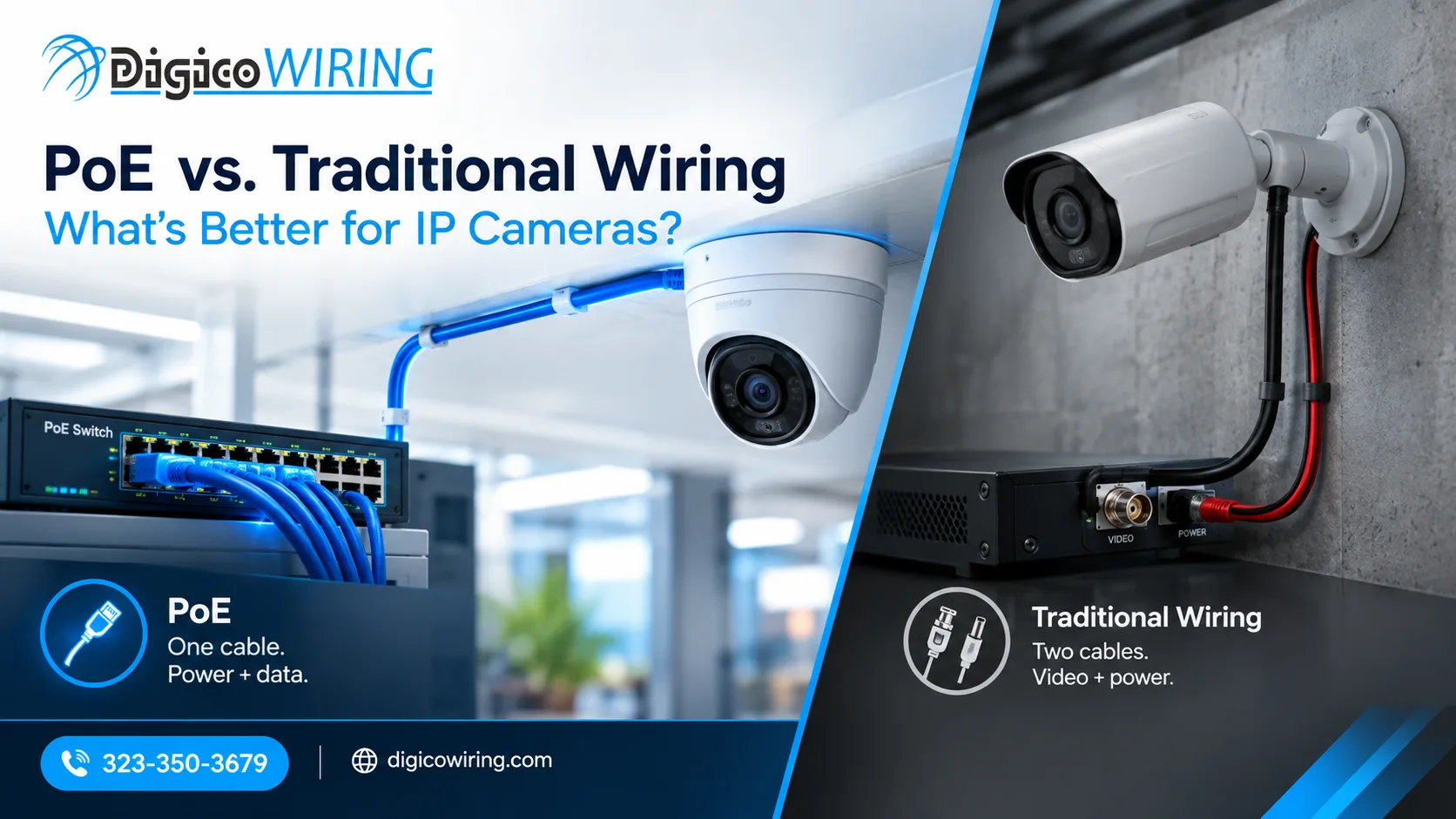
Most modern IP cameras use Power over Ethernet (PoE). A single Ethernet cable carries both network data and electrical power, simplifying installation and reducing the need for separate power outlets at each camera.
How Far Can a PoE Security Camera Be From the Switch?
A standard Ethernet channel is limited to 100 meters (328 feet), including the permanent cable and patch cords. This is the typical planning limit for copper Ethernet connections used with PoE cameras.
On a large property, a camera mounted on a distant light pole or at the far end of a parking lot may exceed this distance.
Common options include:
-
PoE extenders: Extend a copper connection when the distance and power requirements are within the extender's specifications. They add equipment and potential points of failure.
-
Intermediate PoE switches: Create another network segment closer to the cameras, provided the location has suitable power and environmental protection.
-
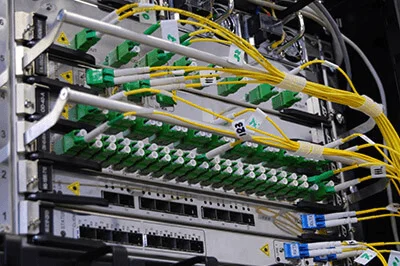
Fiber-optic cable: Carries network data over longer distances and is well suited to connections between buildings, remote equipment cabinets, and outdoor camera locations. A media converter or fiber-enabled PoE switch is used to provide the final copper connection and camera power.
For large parking lots, campuses, and multi-building properties, fiber is often the most practical backbone solution. It also provides strong immunity to electromagnetic interference.
Learn more about fiber-optic cabling and installation for commercial networks.
Use Outdoor-Rated Cable and Proper Protection
Exterior cabling must withstand sunlight, moisture, temperature changes, and physical damage.
A reliable installation should account for:
-
Outdoor-rated, UV-resistant cable where exposed conditions require it.
-
Conduit or other mechanical protection along vulnerable pathways.
-
Weather-rated junction boxes and sealed outdoor connections.
-
Proper grounding and surge protection where required by the installation.
-
Drip loops and suitable cable entries to reduce water intrusion.
-
Clear labeling and documented cable routes for future maintenance.
Do not assume that a cable suitable for an indoor ceiling is automatically suitable for an exposed outdoor run. Cable type, pathway, and installation method must match the environment and applicable code requirements.
Plan for Expansion
A parking lot may need additional cameras later as the business grows or security requirements change. It is often more cost-effective to plan spare conduit capacity, network ports, and fiber backbone capacity during the initial installation than to rebuild the infrastructure later.
For broader network planning, see DigiCo's data wiring and installation services.
Choose Cameras Based on the Location, Not Just the Resolution
Businesses often ask which are the best security cameras for parking lots. There is no single model that performs best in every situation. A camera designed for a gate lane may not be the right choice for a wide perimeter or a dim garage corner.
Use the following checklist when comparing equipment:
-
Resolution and lens: Match the camera's field of view and pixel density to the distance and level of detail required.
-
Low-light performance: Check how the camera handles darkness, motion, and changing illumination.
-
WDR: Look for suitable performance at entrances, exits, and other high-contrast locations.
-
IR or white-light range: Confirm that night illumination covers the actual target area.
-
Weather and impact protection: Verify IP and IK ratings against the installation environment.
-
Analytics: Person and vehicle detection can help reduce irrelevant alerts and speed up searches.
-
Recorder compatibility: Confirm that cameras work with the network video recorder (NVR) or video management system.
-
Storage capacity: Size the system for the required resolution, frame rate, camera count, and retention period.
A higher megapixel count does not automatically mean better evidence. A properly selected lens, correct mounting position, adequate lighting, and reliable recording are just as important.
Recording, Storage, and Backup Power
Camera coverage is only useful if footage is available when an incident needs to be reviewed.
Before installation, decide how long your business needs to retain video. Some organizations use a 30-day target, while others require shorter or longer periods depending on internal policies, insurance conditions, operational needs, or legal requirements.
Storage capacity depends on several factors:
-
Number of cameras.
-
Resolution and frame rate.
-
Video compression settings.
-
Continuous recording versus motion-based recording.
-
Required retention period.
A qualified installer can calculate the storage capacity needed for the system rather than relying on a generic estimate.
Consider a UPS (uninterruptible power supply) for the recorder, network switches, and other critical equipment. This can help keep recording and network connectivity available during short power interruptions, provided the UPS is sized for the connected load and runtime requirement.
For critical sites, discuss backup power, network redundancy, and remote system-health monitoring as part of the design.
Common Parking Lot Surveillance Mistakes
Even good equipment can underperform when the system is poorly planned. These are some of the most common problems businesses should avoid.
-
Blind spots behind columns, signs, and parked vehicles.
Walk the property and map camera views before installation. Overlap coverage where practical. -
Cameras aimed directly into sunlight or headlights.
Use suitable WDR cameras, adjust mounting angles, and test the image under actual lighting conditions. -
Expecting overview cameras to read license plates.
Use dedicated plate-capture cameras with the correct angle, distance, exposure, and illumination. -
Ignoring the Ethernet distance limit.
Measure cable paths before installation. Plan fiber or properly designed intermediate network equipment when a camera is beyond the standard 100-meter copper channel. -
Treating lighting as an afterthought.
Review horizontal and vertical illumination, shadows, glare, and uniformity before deciding that more cameras are needed. -
Skipping maintenance.
Dirty lenses, shifted camera angles, damaged cables, and aging storage drives can quietly reduce system performance. Schedule inspections and review camera feeds regularly.
Privacy and Compliance Considerations
Businesses should consider privacy and local requirements when planning video surveillance.
Post clear camera notices where required, limit camera views to legitimate business and security purposes, and establish who can access recorded footage and how long it is retained.
Audio recording deserves particular caution. California has specific consent requirements for recording confidential communications, so video-only surveillance is generally the safer starting point unless audio recording has been reviewed by qualified legal counsel.
Requirements can vary by location and use case. This section is general information, not legal advice. Consult your attorney and local authorities before implementing a surveillance policy.
What to Expect From a Professional Camera Installation
A reliable installation starts with a site survey, not a shopping list.
At DigiCo, our process is designed to make the project clear and manageable:
-
On-site walkthrough. We review the parking lot or garage, identify coverage priorities, check lighting conditions, and map possible cable routes.
-
System design and written quote. We recommend camera locations, equipment, network infrastructure, and recording capacity based on the property.
-
Professional installation. Our technicians install and route cabling, mount cameras, and configure the system with minimal disruption to business operations.
-
Testing and documentation. We verify camera views, network connections, recording, and cable runs, then label and document the installation.
-
Support and maintenance. We can help maintain, troubleshoot, and upgrade the system as your property changes.
DigiCo is a California-licensed low-voltage contractor serving Greater Los Angeles since 2008. We install surveillance systems for offices, retail properties, warehouses, and multi-tenant buildings. Our security camera installation service includes camera placement, PoE wiring, recorder configuration, and remote viewing setup.
Plan a More Reliable Parking Lot Camera System With DigiCo
A well-designed parking lot or garage surveillance system brings together the right camera locations, dependable night performance, and cabling that can support the property over time.
If you are planning a new installation or upgrading an existing system, DigiCo can help assess your site, identify coverage gaps, and recommend a practical solution for your business.
Request a free on-site walkthrough in Greater Los Angeles. We'll review your property and provide a written quote based on your coverage and infrastructure needs.
FAQ
How many security cameras does a parking lot need?
There is no universal camera count. The number depends on the lot's size, layout, number of entrances, lighting, and the level of detail required. A small lot may need only a few cameras, while a large commercial property or multi-level garage may require several dozen. A site survey is the most reliable way to determine the right number.
Where should security cameras be placed in a parking lot?
Start with vehicle entrances and exits, pedestrian routes, building entrances, payment stations, and high-traffic drive aisles. Then assess perimeter areas and locations hidden by landscaping, signs, parked vehicles, or structural features. Use overlapping views where needed to reduce blind spots.
What is the best camera for a parking garage?
The right camera depends on the location. WDR models are useful near entrances where daylight and headlights create strong contrast. Vandal-resistant cameras may be appropriate in exposed areas, while dedicated license plate cameras are better suited to vehicle lanes.
Do parking lot security cameras work at night?
Yes. Modern IR and low-light cameras can record in dark or dim conditions. However, lighting quality still matters. Even illumination helps preserve useful detail and reduces the shadows and glare that can make footage difficult to interpret.
Can one camera capture both a wide view and license plates?
It can provide an overview, but it may not capture readable plates consistently. License plate capture requires a suitable angle, capture distance, shutter speed, and illumination. For dependable results, use a dedicated plate camera alongside overview cameras.
How far can a PoE security camera be from the network switch?
A standard copper Ethernet channel supports up to 100 meters (328 feet), including patch cords. For longer runs, consider fiber with a media converter or a fiber-enabled PoE switch near the camera location.
How long should a business keep parking lot footage?
Retention depends on company policy, insurance requirements, operational needs, and applicable laws. Many businesses use 30 days as a planning target, but the correct period should be established before the recorder's storage capacity is selected.
Should parking lot cameras record audio?
Audio recording can raise additional privacy and consent issues, particularly in California. Businesses should review applicable laws with an attorney before enabling audio. Video-only recording is often a more straightforward approach.