Your employees can’t close deals on a frozen Zoom call. Your POS system can’t process payments when the network drops. And your security cameras are useless if they keep going offline. In 2026, Wi-Fi isn’t a convenience for Los Angeles businesses – it’s the backbone of every operation that matters.
Yet a surprising number of LA businesses are running on hardware that was never designed for commercial use. A consumer router from a big-box store, a few extenders taped to the ceiling – and then the mystery of why the signal dies in the back office, the warehouse, or the conference room.
This guide breaks down everything you need to know about professional business Wi-Fi installation in Los Angeles: why commercial networks are fundamentally different, what a proper installation actually involves, and how to choose the right contractor for the job.
Business Wi-Fi vs. Home Wi-Fi: Why the Difference Matters
Most business owners understand that commercial Wi-Fi is somehow “better” than home Wi-Fi – but the reasons go deeper than just speed. Here’s what actually separates a professional installation from a consumer setup:
Device Density
A typical home network supports 10–20 devices. A mid-size LA office might have 50, 100, or 200+ devices connected simultaneously – laptops, phones, tablets, VoIP handsets, smart TVs, IoT sensors, printers, and more. Enterprise-grade access points are engineered to handle this load without performance degradation.
Coverage Without Dead Zones
Consumer routers broadcast signal in a bubble. Commercial installations are designed as systems – multiple access points strategically placed to deliver consistent, seamless coverage across every square foot of your space, from the lobby to the loading dock.
Network Segmentation & Security
Business networks need to separate traffic: staff access, guest Wi-Fi, POS systems, VoIP, and IoT devices should all live on isolated VLANs. This isn’t just good practice – it’s a security requirement for businesses handling sensitive customer data, financial transactions, or health records.
Bandwidth for Real Business Applications
Video conferencing, cloud-based software, VoIP calls, large file transfers – these applications demand consistent, low-latency bandwidth. Professional Wi-Fi design accounts for your specific application load, not just theoretical maximum speeds.
Common Wi-Fi Problems Los Angeles Businesses Face
Los Angeles presents a unique set of challenges for wireless networks. Understanding them is the first step toward solving them.
- Thick concrete and stucco construction. LA’s older commercial buildings – particularly in Downtown, Hollywood, and the Westside – feature dense concrete walls and stucco finishes that are notoriously hostile to Wi-Fi signals. Walls that look like drywall can actually be solid CMU block.
- RF interference in dense urban environments. In a high-rise office building or a busy commercial corridor, your network is competing with dozens of neighboring networks for the same radio frequencies. Professional site surveys identify interference patterns and optimize channel assignments accordingly.
- Large open floor plans. Warehouses in the San Fernando Valley, industrial spaces in Vernon, creative offices in Culver City – open layouts require a very different access point placement strategy than traditional office environments.
- Over-reliance on consumer hardware. We regularly encounter businesses running on a single retail router or a mesh system designed for a 2,000 sq. ft. home – stretched far beyond its intended capacity. These systems look functional until they don’t, usually at the worst possible moment.
What a Professional Wi-Fi Installation Actually Includes
When you hire a qualified low voltage contractor for business Wi-Fi in Los Angeles, the process should look like this:
1. Site Survey & Assessment
Before anything goes on the wall, a professional contractor walks your space with RF analysis tools. We measure signal propagation, identify obstructions, map interference sources, and document every factor that will affect coverage. This step cannot be skipped – it’s what separates a system that works from one that looks good on paper.
2. Network Design
Based on the site survey, we engineer a coverage map: how many access points are needed, exactly where they’ll be placed, and how they’ll be configured for seamless roaming. Users should be able to walk from one end of the building to the other without their devices ever noticing a handoff between access points.
3. Structured Cabling Infrastructure
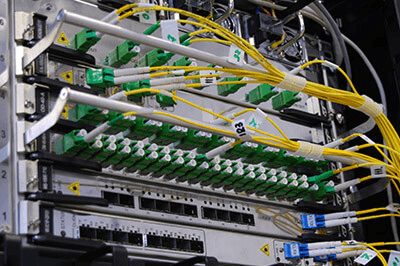
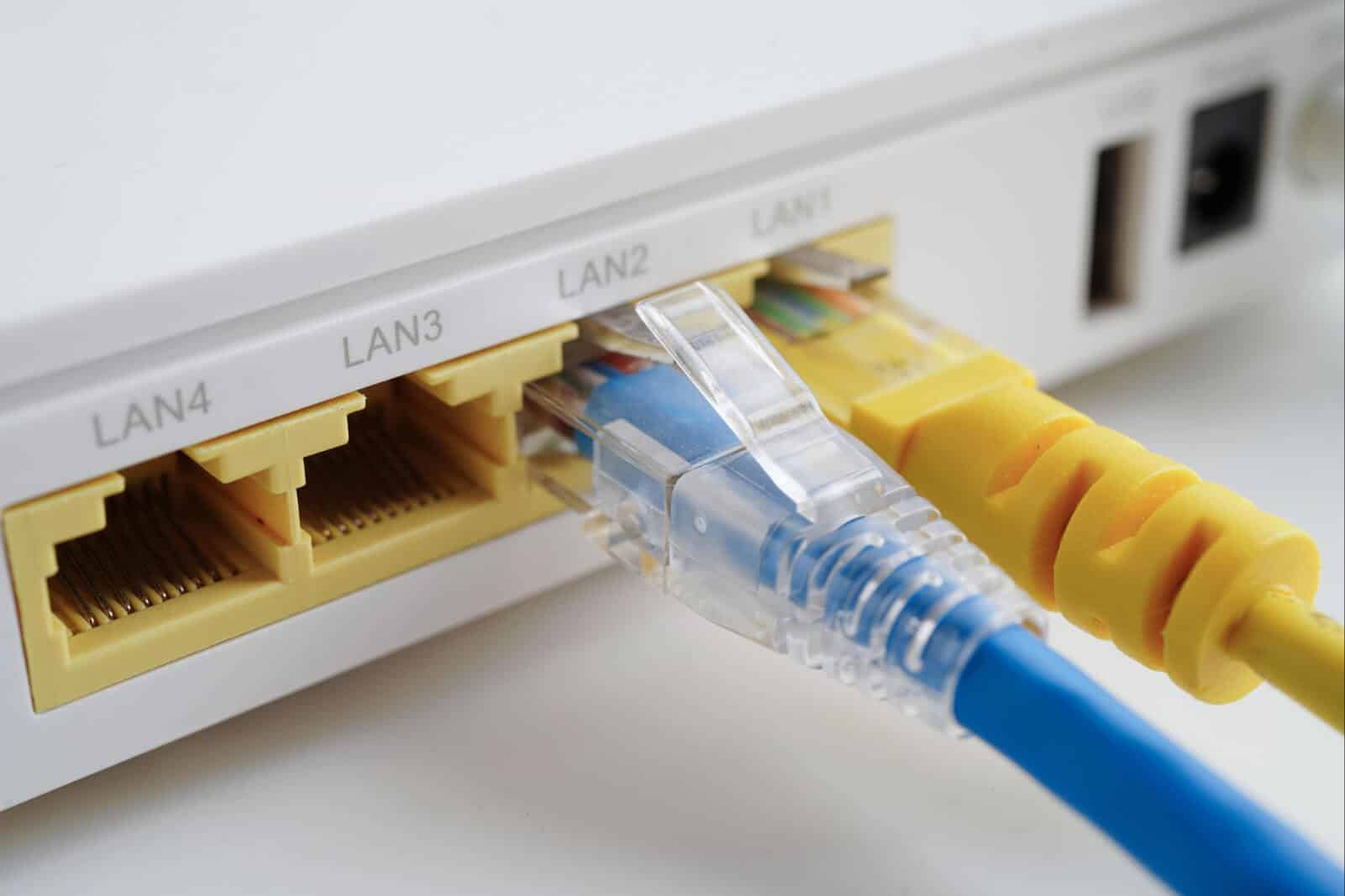
Every access point needs a hardwired Cat6 or Cat6A data connection back to your network core. Wi-Fi doesn’t replace cabling – it depends on it. Running clean, properly terminated data cabling is a core part of any professional wireless installation. Cutting corners here will degrade performance regardless of how good your access points are.
4. Installation & Configuration
Access points are mounted, cabling is run and terminated, and the entire system is configured: SSIDs, security protocols (WPA3 for business networks), VLAN segmentation, QoS policies to prioritize critical traffic, and roaming settings for seamless handoff.
5. Testing & Documentation
A proper installation ends with a full walkthrough of every area confirming signal strength, speed, and coverage. You should receive documentation of the network layout, IP assignments, and equipment specifications – not just a handshake and an invoice.
Which Los Angeles Businesses Need Professional Wi-Fi?
The short answer: any business where connectivity directly affects revenue, security, or operations. In practice, that includes:
- Offices and co-working spaces – high device density, demanding applications, need for reliable VoIP and video conferencing
- Warehouses and distribution centers – large open areas, inventory systems, mobile scanners, surveillance integration
- Restaurants and retail – POS systems, guest Wi-Fi, digital signage, payment terminals, staff communications
- Medical and dental offices – HIPAA-compliant network segmentation, EHR systems, imaging equipment
- Legal and financial firms – secure access, client confidentiality, high-availability connectivity
- Multi-tenant properties and small campuses – complex coverage requirements, multiple independent network segments
How to Choose a Wi-Fi Installer in Los Angeles
Los Angeles has no shortage of people willing to plug in a router and call it an installation. Choosing the right contractor takes more than a Google search. Here’s what to look for:
Verify Their Low Voltage Expertise
Business Wi-Fi is a low voltage discipline. Your installer should have hands-on experience with structured cabling (Cat6, fiber), network infrastructure, and enterprise-grade wireless systems – not just consumer tech support background.
Check Their Reviews – Actually Read Them
Don’t just look at the star rating. Read what customers say about the quality of work, professionalism, problem-solving, and whether the network actually performed as promised. A contractor with a genuine streak of 5-star reviews across diverse project types is telling you something important about consistency.
Ask These Questions Before Hiring
- Do you perform a site survey before quoting?
- What access point brands do you work with, and why?
- Will you run Cat6 cabling to each access point?
- Can you configure VLANs and network segmentation?
- What does post-installation testing look like?
- Will I receive documentation of the installation?
Red Flags to Watch For
- Quoting without visiting the site
- Recommending consumer-grade hardware for commercial use
- No mention of cabling infrastructure
- Unable to explain their testing process
- Vague or verbal-only scope of work
Why Los Angeles Businesses Choose DigiCo Wiring
DigiCo Wiring is a Los Angeles-based low voltage contractor specializing in commercial and residential Wi-Fi design and installation, structured data cabling, fiber-optic infrastructure, surveillance systems, and AV wiring. We serve businesses of all sizes across LA city and county – from small professional offices to medium-large commercial projects.
What sets us apart isn’t just technical capability – it’s how we approach every job:
- No job is too small. We bring the same level of precision and professionalism to a 5-access-point office as we do to a multi-building campus. Every client gets a properly engineered solution.
- Full-spectrum low voltage expertise. Need Wi-Fi, data cabling, security cameras, and fiber in one project? We handle it all under one roof – no coordinating between multiple contractors.
- Local knowledge. We know LA buildings – the stucco walls, the older electrical infrastructure, the specific challenges of high-density commercial corridors. That experience shows in the quality of our installations.
- A spotless reputation. Every review we’ve ever received on Google is a 5-star rating. Not most of them – all of them. We’d invite you to check for yourself at digicowiring.com.
Ready to Upgrade Your Business Wi-Fi?
A professionally installed Wi-Fi network isn’t an expense – it’s an investment in the reliability and productivity of everything your business runs on. Whether you’re moving into a new space, scaling up an existing office, or finally solving persistent connectivity problems, the right installation done right the first time will pay for itself quickly.
DigiCo Wiring serves businesses throughout Los Angeles city and county. We offer free consultations and on-site assessments – because we believe you shouldn’t have to guess what your network needs before we’ve seen your space.
Call us, text us, or fill out the contact form at digicowiring.com. Tell us about your space and your goals, and we’ll take it from there.